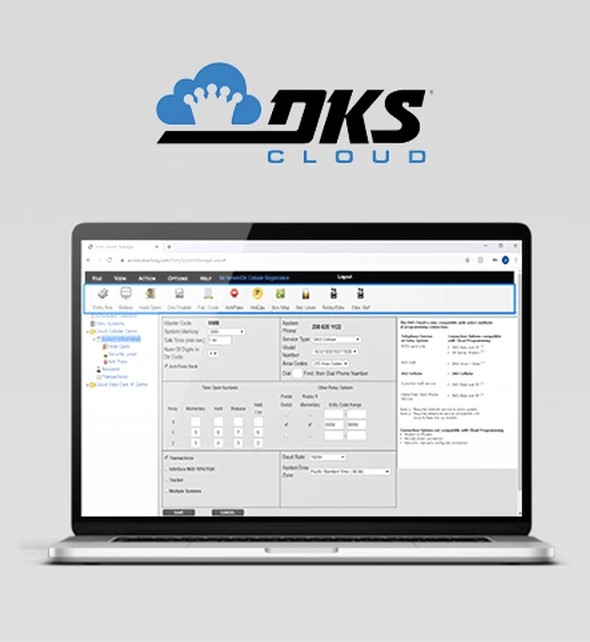
Simply log into your Cloud Account Manager through any internet browser using any computer, tablet, or smartphone with an internet connection and you’re ready to start adding residents, making changes to access credentials, view access point activity, and more.
View All Cloud Videos
Cloud FAQs
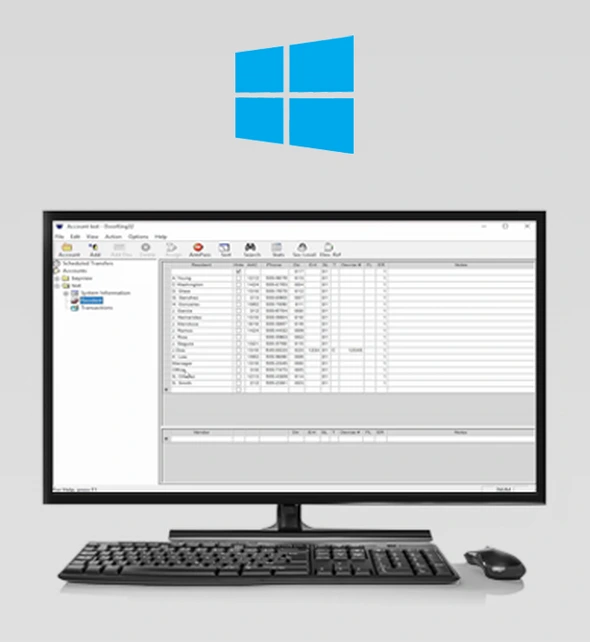
RAM software for 1833, 1834, 1835, 1837, 1838. Download the latest version of 6.5.b
This is just the standard Vista-and-up installer, as we’re no longer supporting XP. It includes the new 6.5 PDF documentation.
You must back up and uninstall your existing version before installing version 6.5.
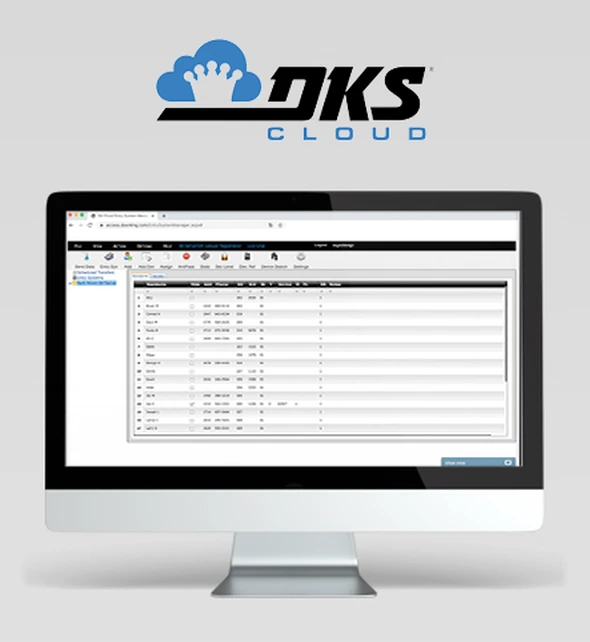
Programming eVolve Series Video Entry Systems through our Cloud Account Manager means administrators can access System settings on any wifi-enabled computer or tablet by logging in through the browser. With Cloud Programming there’s no software to download or update, and multiple administrators can manage the System settings at the same time. Programming with the Cloud is the most advanced, versatile option available.
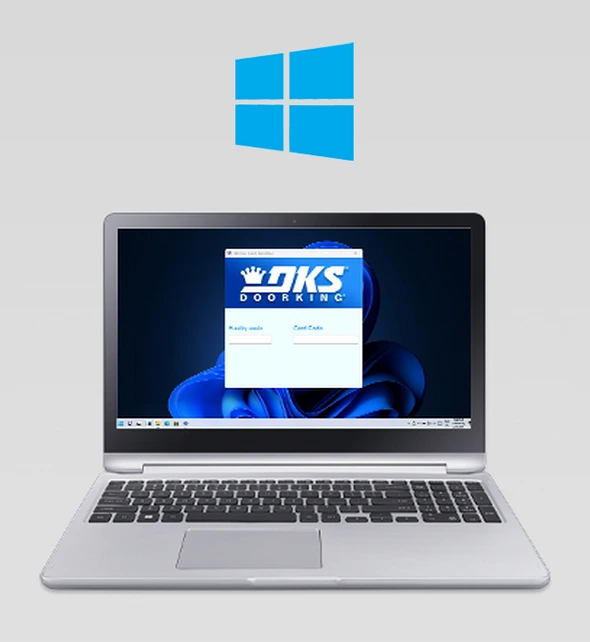
Use this software with the DK Prox Card Scanner P/N 1815-640.
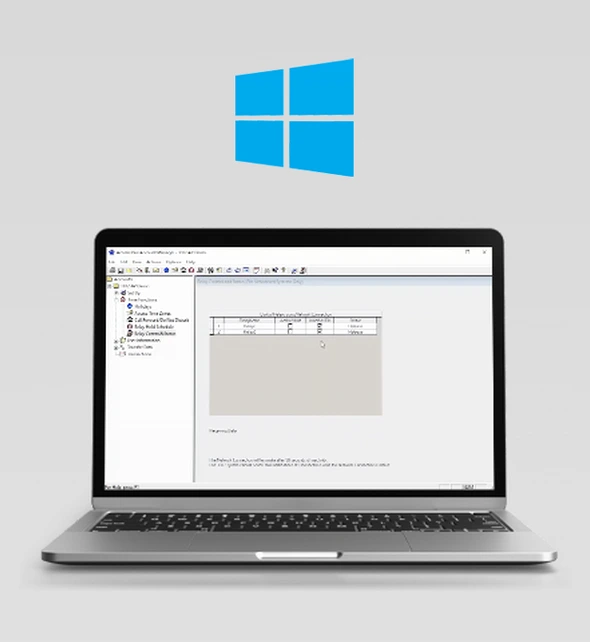
Click link above to download AP software for
1802AP, 1808AP, 1810AP, 1812AP, 1838AP.
AP Version 1.08A
Use this software with the DKS ProxPlus Secure Card Scanner (P/N 1815-692) and the Mifare Card Scanner (P/N 1815-690).
Allows you to create a contact for your DKS Entry System with a meaningful-to-you name, helping you easily identify guest calls from your Entry System.
Allows you to easily create a meaningful-to-you name for your DoorKing Entry System in your phone contacts for quick identification
of calls.
Allows homeowners to manage visitor access to their property with their smartphone – anytime, from anywhere.
Manage Access Plus systems Relays’ state using either Doorking Server for cellular based systems, or via network for DDNS enabled systems.

Open, close and monitor your automatic vehicular gate from your smartphone!

Click link above to download DKS Lock Manager
Allows users to activate their personal entry code with their Android Smartphone using the NFC (Near Field Communication) feature.
Allows you to manage the access codes in DoorKing’s model 1515 digital entry lock using the Near Field Communication (NFC) feature on your Android phone.
Programming eVolve Series Video Entry Systems through our Cloud Account Manager means administrators can access System settings on any wifi-enabled computer or tablet by logging in through the browser. With Cloud Programming there’s no software to download or update, and multiple administrators can manage the System settings at the same time. Programming with the Cloud is
the most advanced, versatile option available.
Rev M, V6.3. September 2011
1835-066-AA-3-26
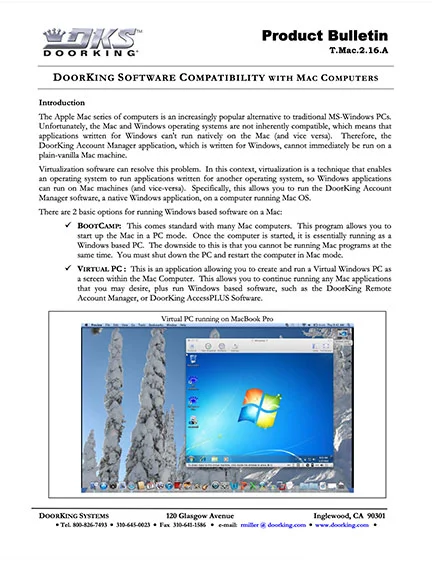
RAM Software on a MAC
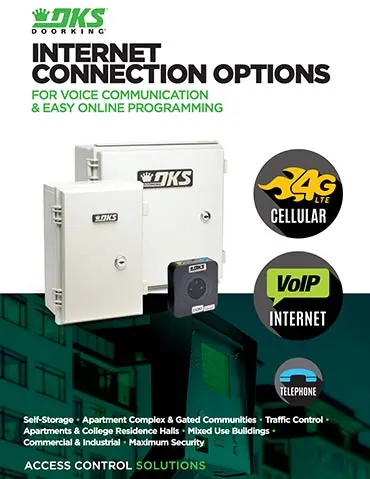
Rev 2-23

Rev E 10-24

1815-665-D-3-22

1815-667-A-3-22
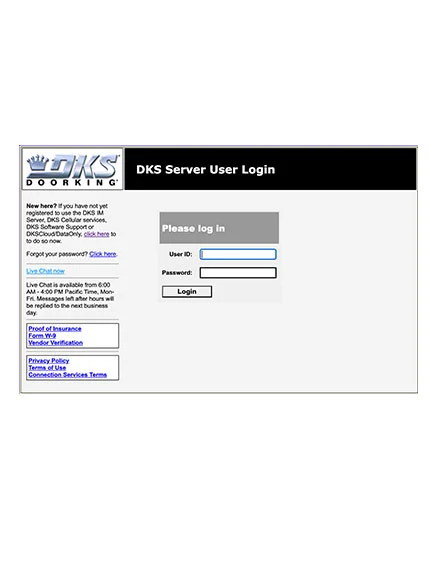
http://dksdb.dksoftware.com/UserLogin.aspx

30 series circuit boards only. December 2004.

Version 5.2. October 2002.

Use with 6.0, 6.1 and 6.2 revisions. April 2010
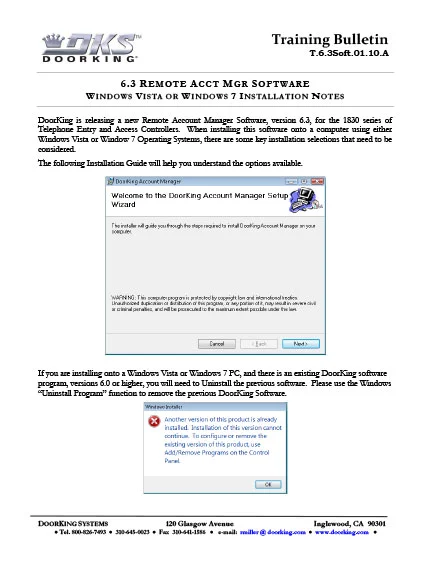
Windows Vista or Windows 7 installation notes.
